Real device frames
Put your captures into real iPhone, iPad, Android, Mac and Apple Watch frames, or use the plain screen where a store wants no frame.
 Endito
Endito turns your app's screen captures into App Store and Google Play screenshots with real device frames and headlines, in every size and language the stores ask for.
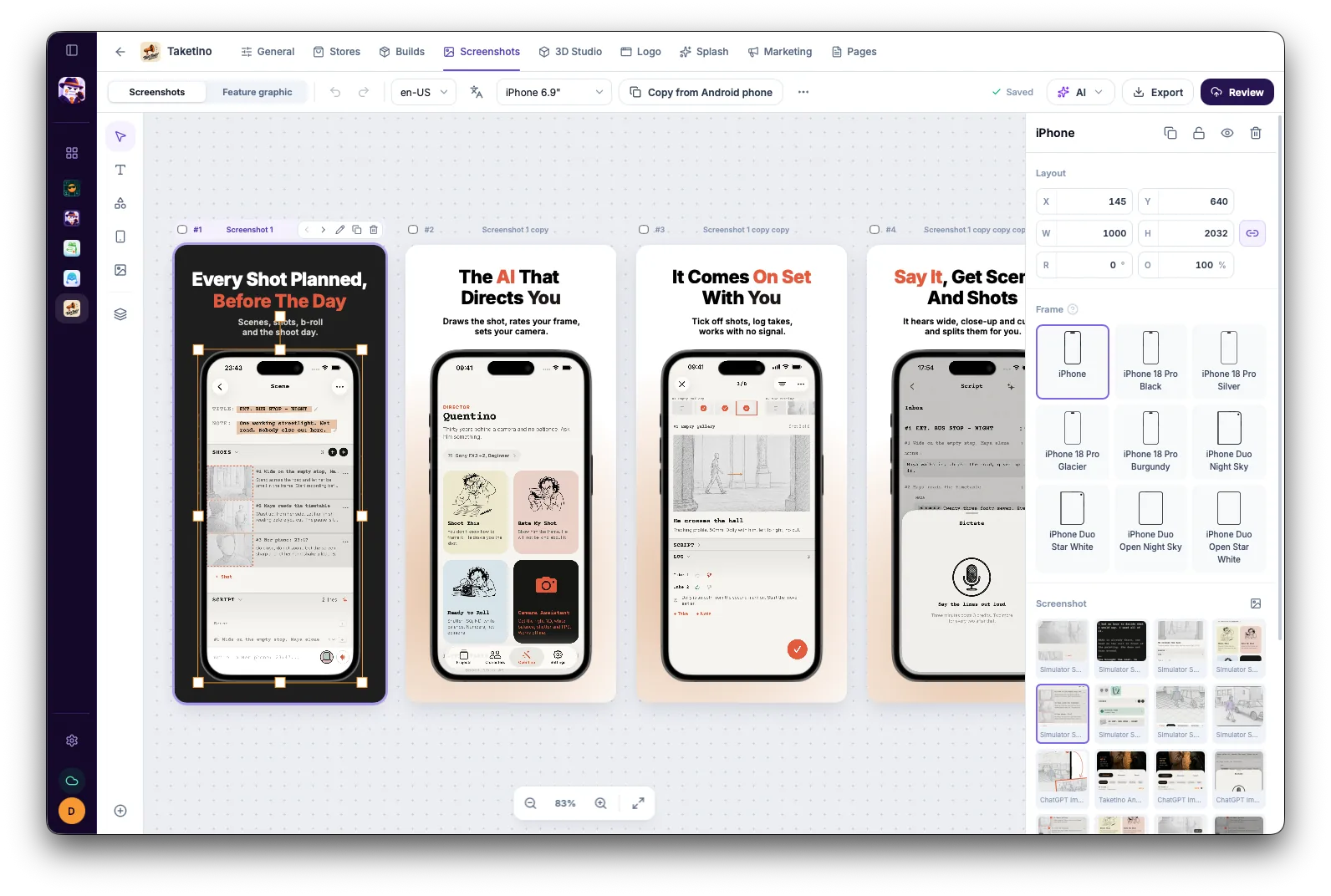
Put your captures into real iPhone, iPad, Android, Mac and Apple Watch frames, or use the plain screen where a store wants no frame.
Design once and export iPhone 6.9", iPad 13", Android phone and tablet screenshots and the Google Play feature graphic at the exact pixel sizes the stores accept.
Translate the headlines on your screenshots with AI and export a full set for each language.
Place your screens on 3D phones and render a hero image for the first screenshot or your website.
Publish screenshot sets to App Store Connect and Google Play from the app, without uploading each device and language by hand.
The App Store takes 1 to 10 screenshots per device size. Google Play takes up to 8 per device type, and an app needs at least 4 screenshots of 1080 px or more to be eligible for promotion. App Store and Google Play screenshot sizes
For iPhone, 6.9" screenshots (or 6.5"); Apple scales them down for smaller iPhones. For iPad, 13". For Google Play, phone screenshots between 320 and 3840 px on each side. App Store and Google Play screenshot sizes
Yes. Start from a template or a blank canvas, change fonts, colors, backgrounds and layout, and reuse the style for every device and language.
The screenshot editor and exports with no watermark are free for one app. Pro adds unlimited apps, every language and publishing to both stores. Pricing